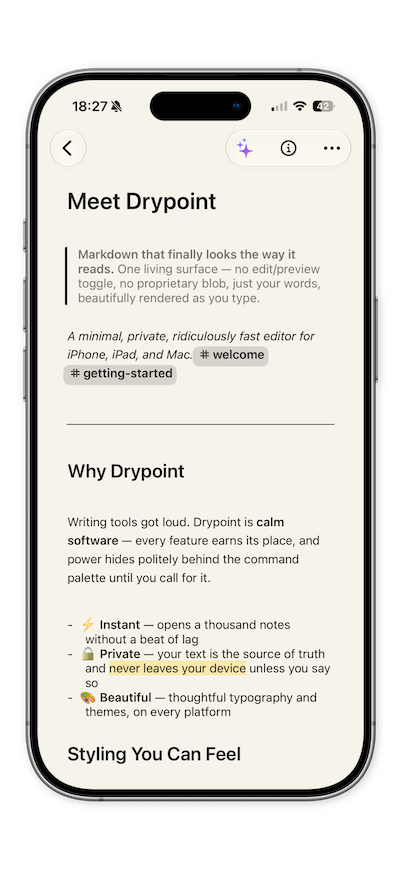
Format as you type in one clean, distraction-free surface. Headings, bold, links, quotes, checklists, tables, and code all render inline — there’s no split preview and no mode to toggle. What you see is simply your document, taking shape as you write.
Choose from a gallery of hand-tuned themes that adapt to light and dark, set your font, size, and line spacing. Drypoint stays calm and consistent across every screen — refined down to the last detail.
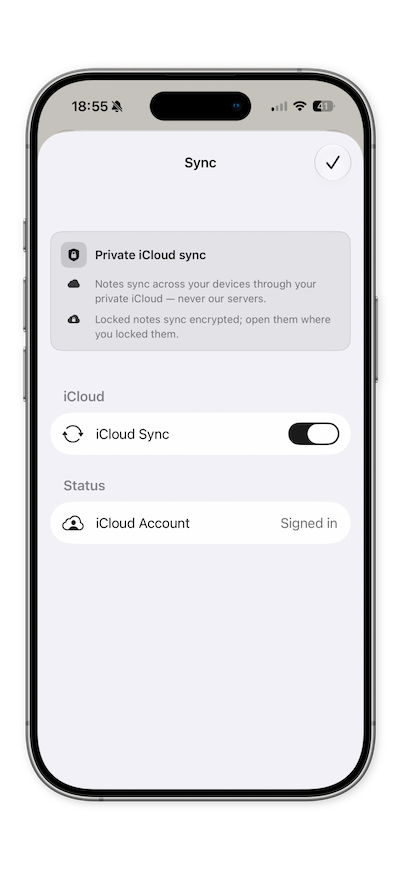
Your notes live on your device as plain Markdown — never a proprietary blob. Lock the app with Face ID, encrypt individual notes, and keep everything in sync privately through your own iCloud. Local-first by design, yours alone.
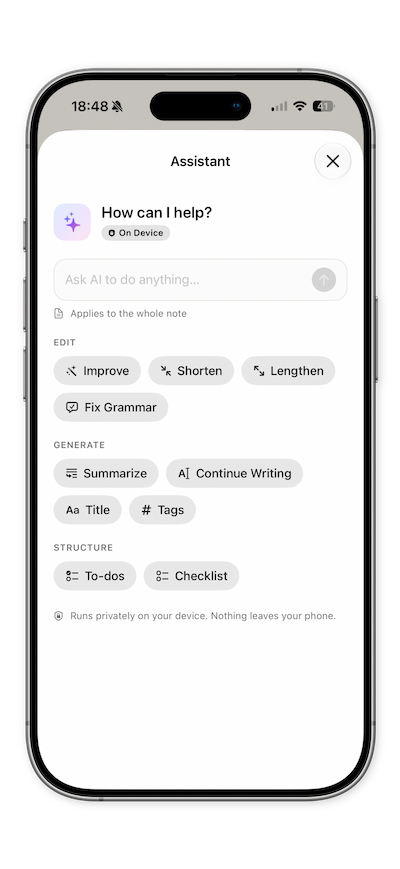
A thoughtful writing assistant lives right inside the editor — rewrite, summarize, fix, or continue a draft in a single tap. It runs on-device by default, so your words never leave your Mac or iPhone unless you decide otherwise.

Powered by Apple’s on-device models — private, offline, and free. Nothing is uploaded to a server, ever.
Prefer a frontier model? Connect your own Claude, OpenAI, Gemini, or Grok key. Requests go straight to your provider — Drypoint has no server in between.
Improve, summarize, fix grammar, change tone, continue, and more — each tuned for real writing. Or type any instruction of your own and run it on your text, in your own words.
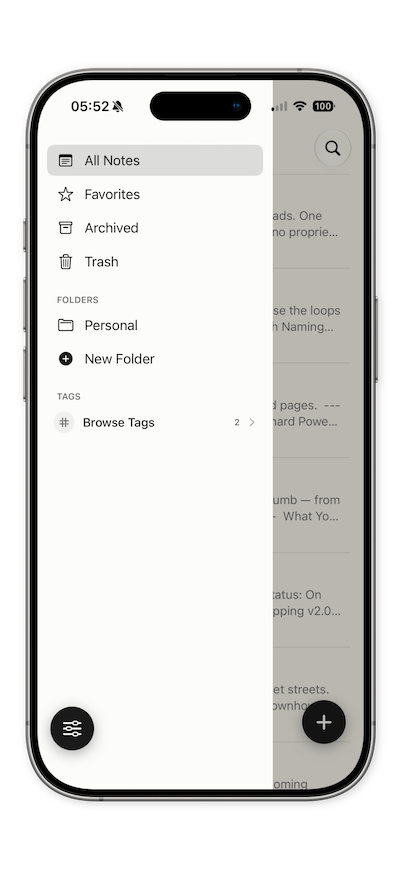
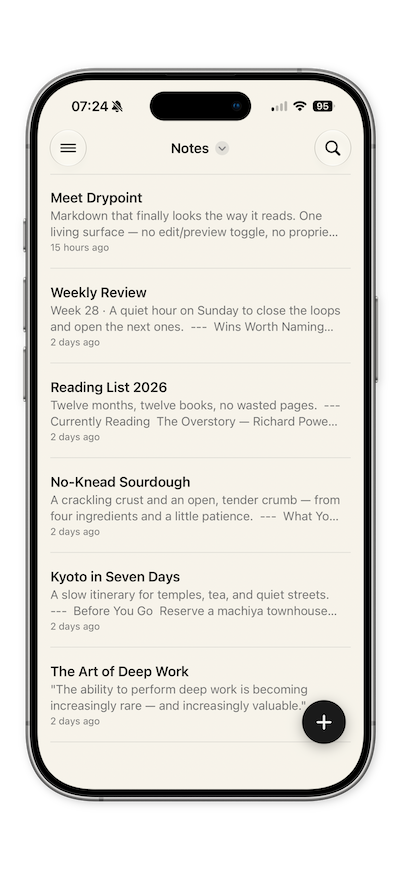
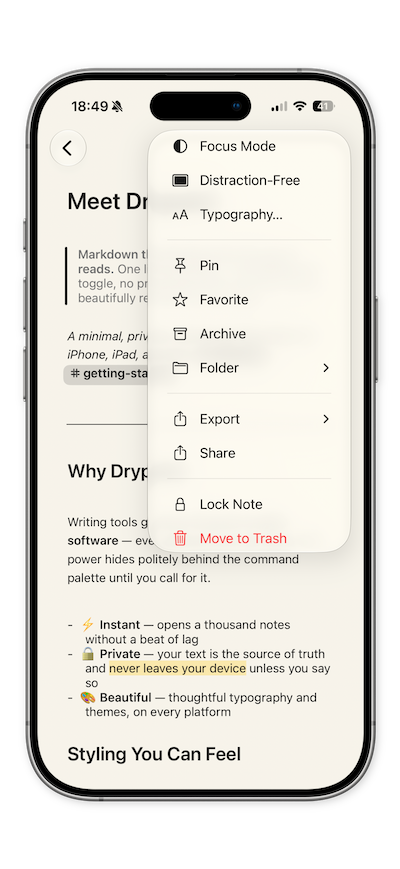
Keep your writing in order with folders, inline #tags, and pinned notes that float to the top. Type a hashtag anywhere and it becomes a filter; instant, full-text search scans titles, bodies, and tags to surface any note the moment you need it. Everything stays tidy without any effort — so you can focus on the words, not the filing.
Because every note is clean Markdown, it travels effortlessly. Export any note to a beautifully typeset document and share it in seconds — no conversion headaches, no lock-in. What you write is always what you keep.
PDF, Word, HTML, RTF, ePub, plain text, and more — each cleanly formatted and ready to send.
Your files are portable Markdown you can open in any app — import and export without ever leaving them behind.
Drop in photos and files — they’re stored privately alongside your note and travel with your exports.
Drypoint feels at home across the Apple ecosystem — a proper native app on Mac, iPad, and iPhone, where you can open several notes side by side, with widgets on your Home and Lock Screen, quick capture from Shortcuts and Siri, and results in Spotlight. Your notes are always a glance or a word away.
Markdown, made calm.